Free · No ads
Converter of Units
Measurements, dates and tank
Close to 500 units in 38 measurements, currency included, together with date calculators, tank capacity and a mixture calculator, in one app for iPhone and iPad. From the makers of All in One Calculator.

Every unit at once
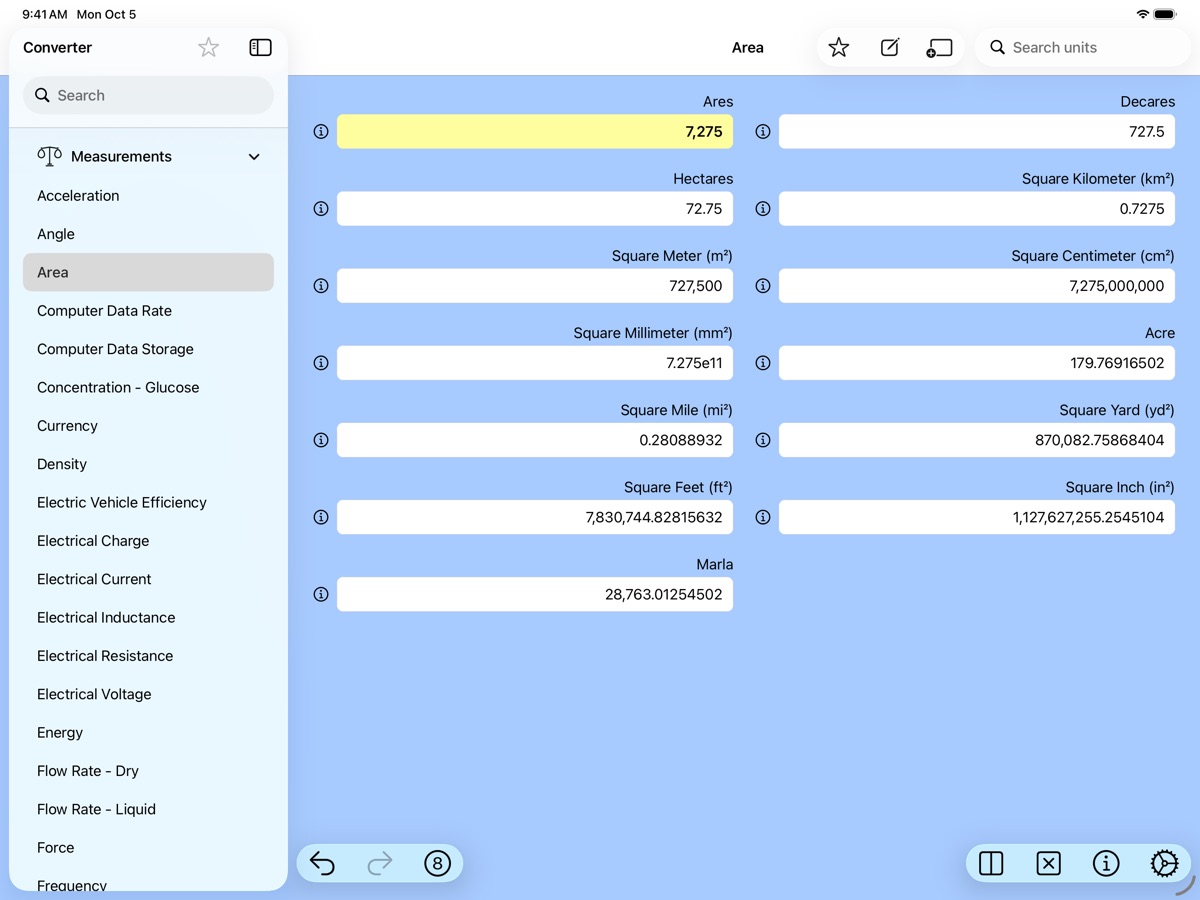
Enter a value in any unit and every other unit in the measurement fills in. Area, length, mass, temperature, pressure, energy, data storage, fuel economy, electricity, magnetism, flow, shoe sizes and more: 38 measurements in all.
Find it fast
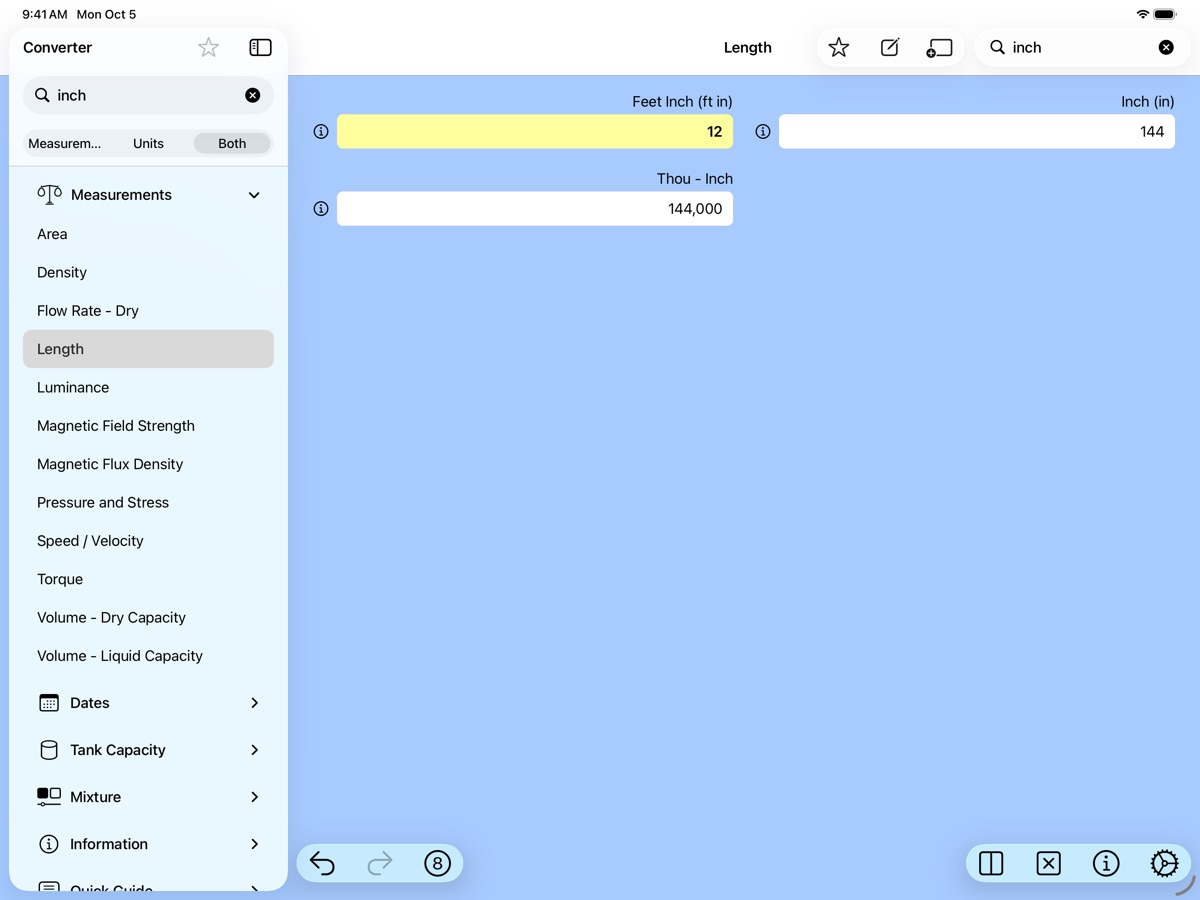
Search measurements by name or by the units they contain. A search for “inch” lists every measurement with an inch unit, and opening one shows just the matching units. Mark favorites to keep only the units you use in view.
Currency, with flags
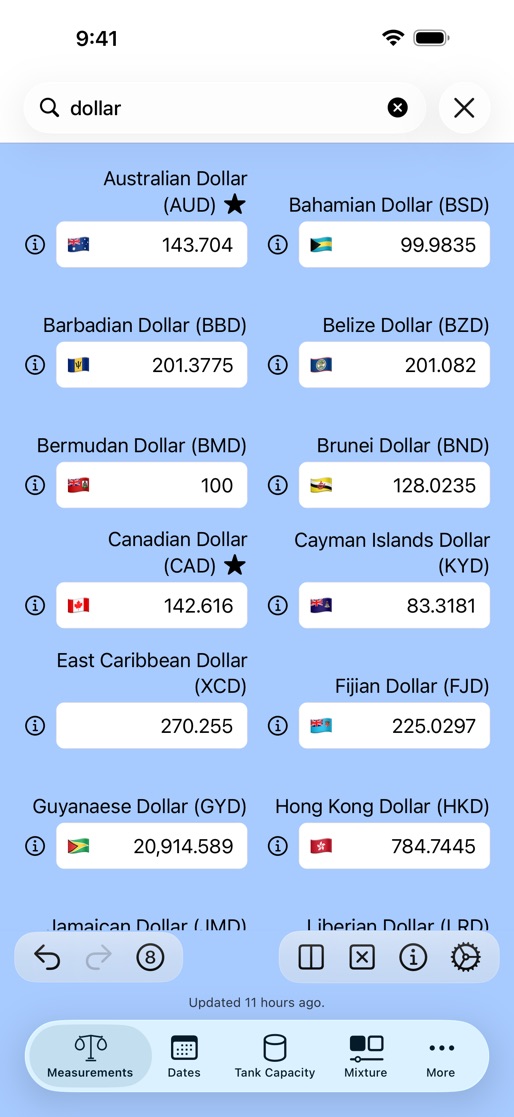
Exchange rates for the world’s currencies, each shown with its country’s flag, and a note of when the rates were last updated. Search the units on screen to narrow the list to the currencies you need.
Everything a result can do
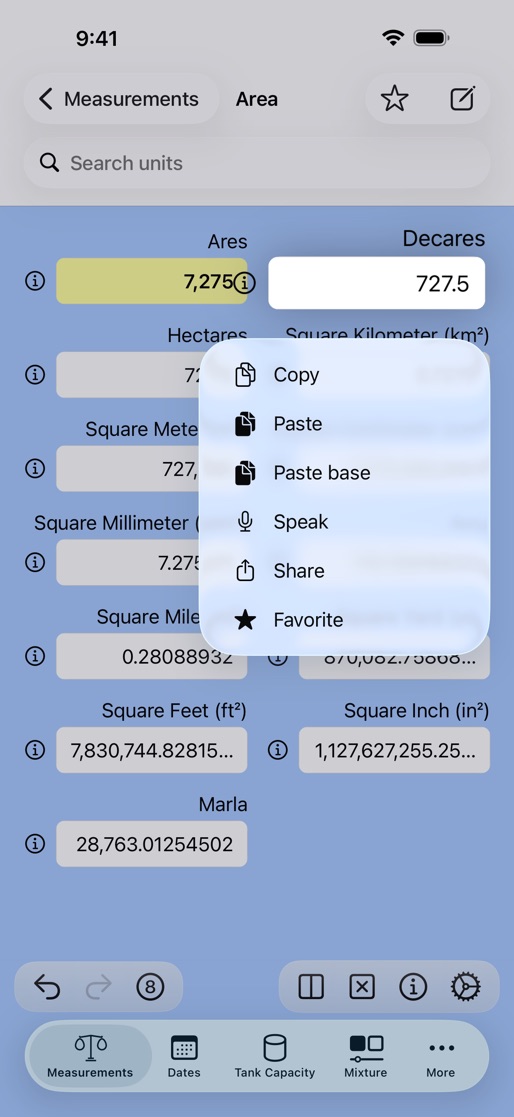
Touch and hold a unit to copy its value, paste one in, hear it spoken, share it, or mark the unit as a favorite. Set the number of decimals with a slider, a menu, or by pinching the converter, and undo or redo any change.
Dates
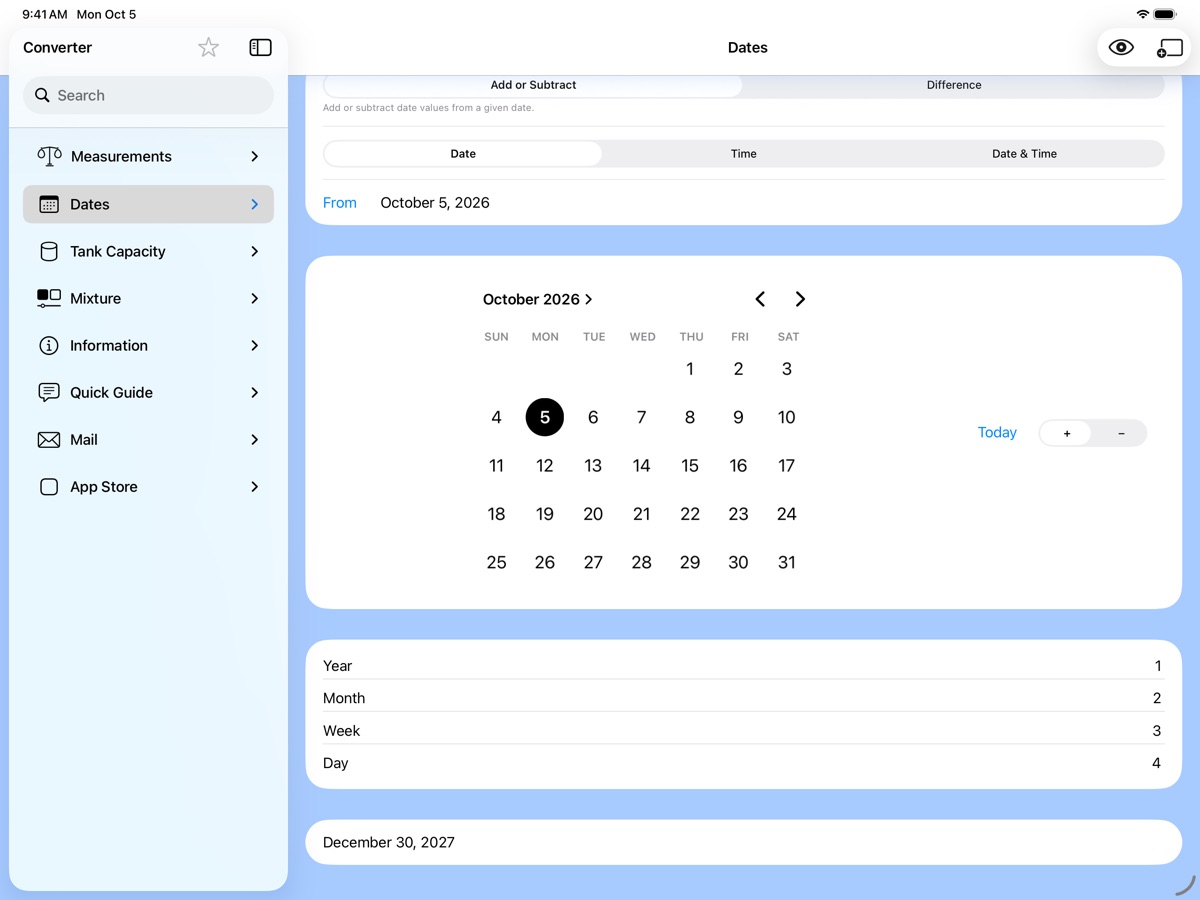
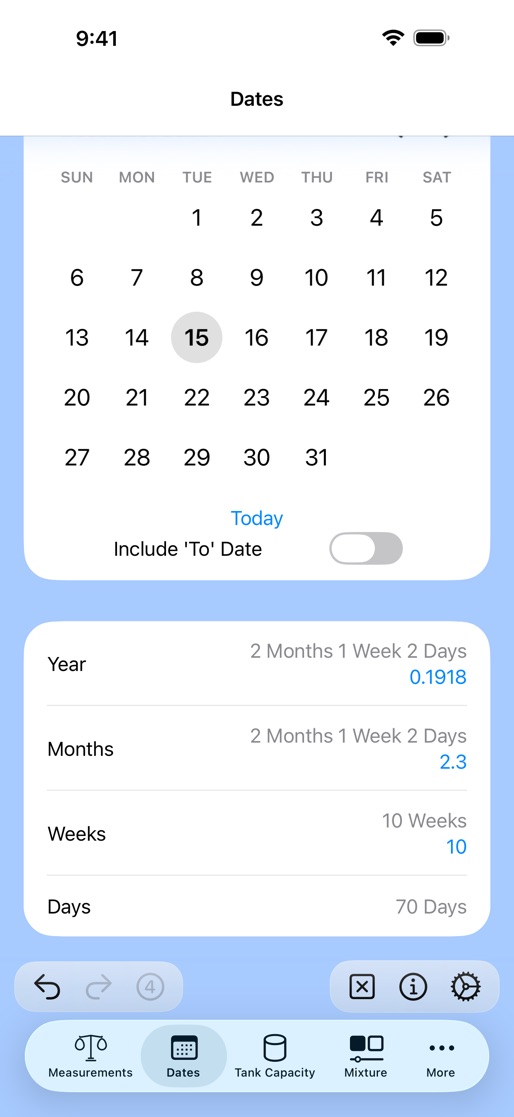
Add or subtract years, months, weeks, days and hours from a date, or find the time between two dates, shown in every unit at once, with the option to count the end date.
Tank capacity
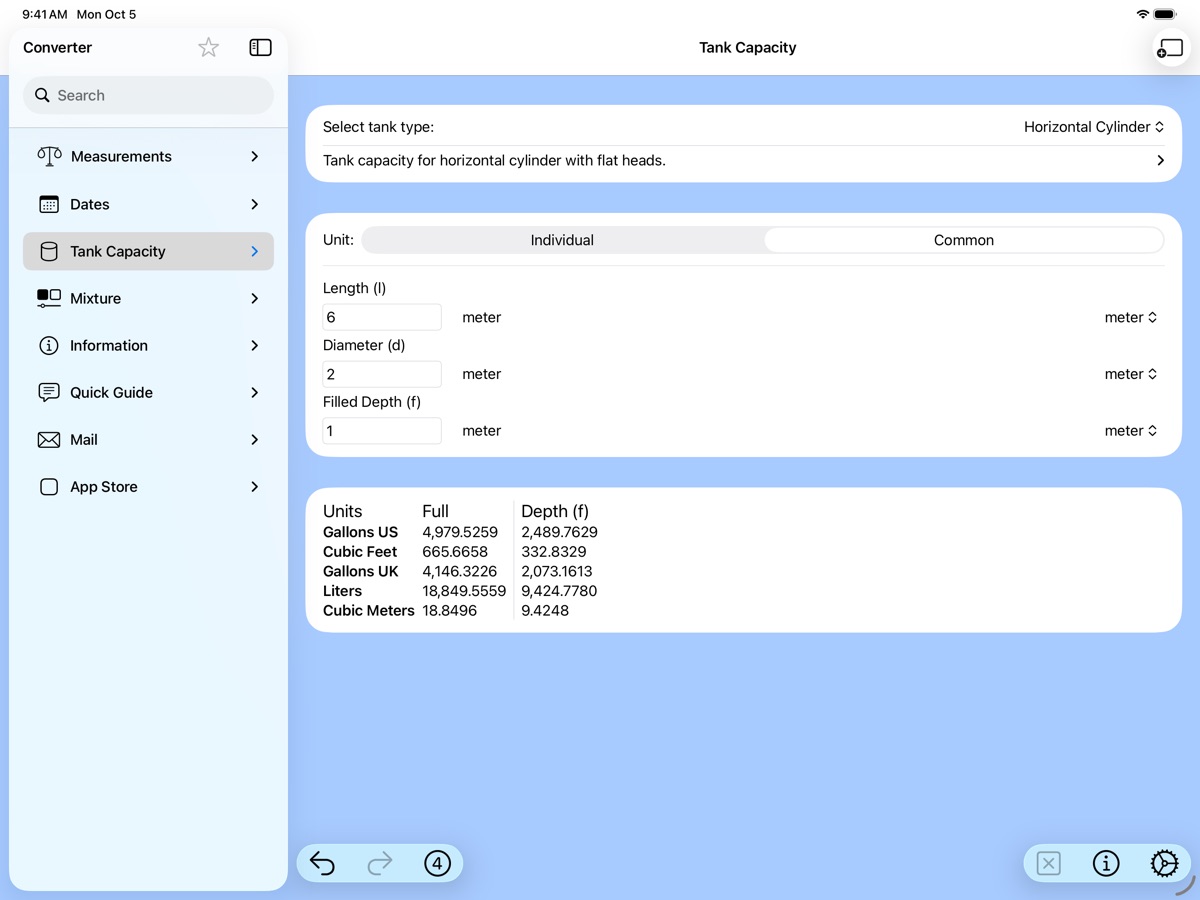
The full and partly filled volume of horizontal and vertical cylinders, rectangular, oval and capsule tanks, and spheres, in gallons, cubic feet, liters and cubic meters. Each dimension can use a unit of its own.
Mixture
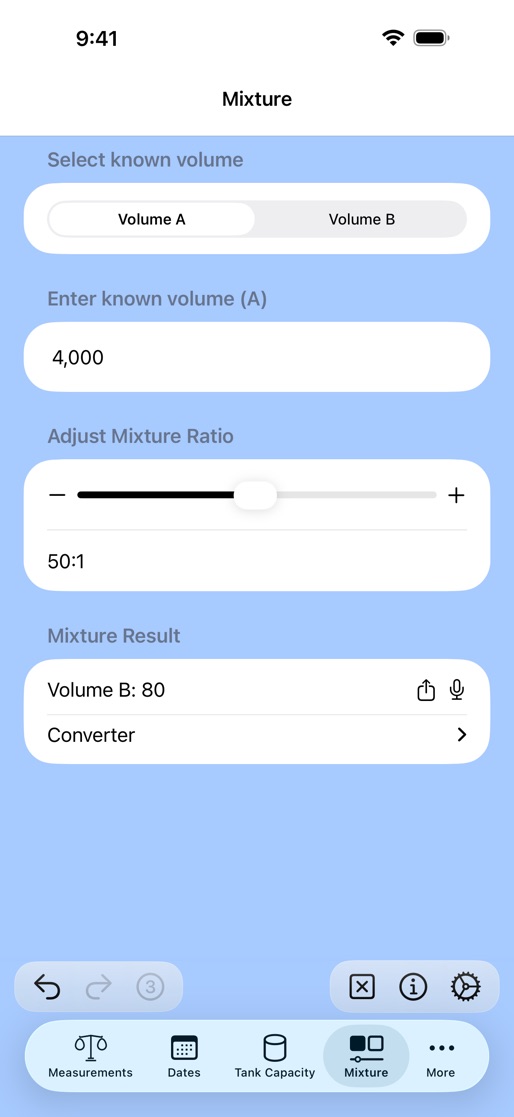
The volume needed to make a mixture at a given ratio, from the amount of one component you already have, such as oil for two-stroke fuel. Send the result to the converter to see it in other units.
Your favorites, on every device
Favorite units and measurements sync through your own iCloud account, so they match on your iPhone and iPad, and in All in One Calculator too. Only the names of your favorites are synced, never your conversions, and you can turn syncing off in Settings.
Built for iPhone and iPad
Room to work
A sidebar on iPad and a tab bar on iPhone, several windows at once, windowed apps, Stage Manager and multitasking.
Fits your habits
Keyboard shortcuts, Quick Notes, drag and drop, Spotlight, Home Screen quick actions, and undo and redo throughout.
Accessible
VoiceOver and larger text, light and dark appearance, and detailed in-app help with its own table of contents and search.
Free, and without ads
The app is free and carries no advertising, and it asks you for nothing about yourself. Updates continue to add features.